
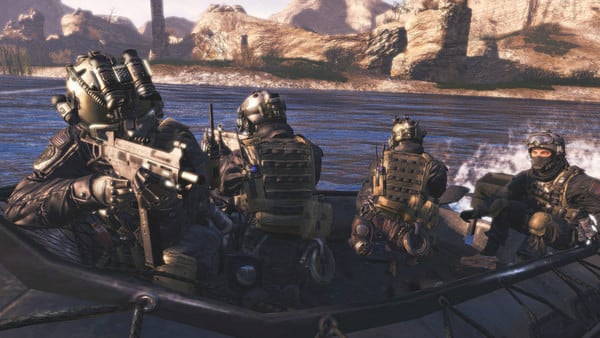
Call of Duty Modern Warfare 2 - Screenshot 1



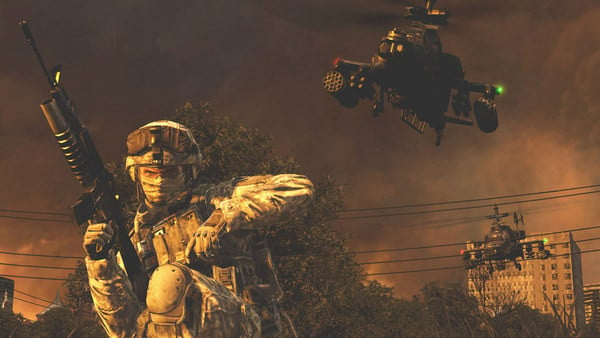
The most-anticipated game of the year and the sequel to the best-selling first-person action game of all time, Modern Warfare 2 continues the gripping and heart-racing action as players face off against a new threat dedicated to bringing the world to the brink of collapse.
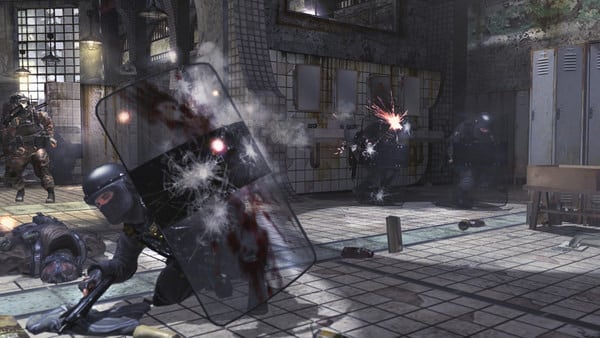
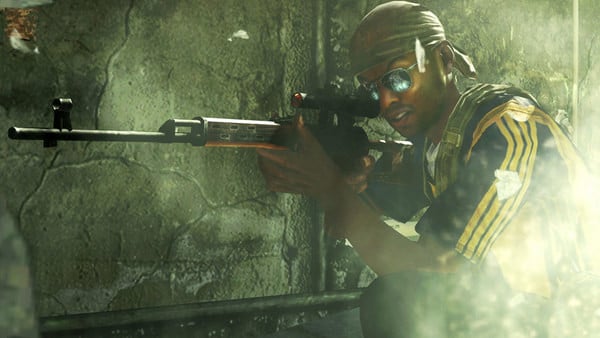
An entirely new gameplay mode which supports 2-player co-operative play online that is unique from the single player story campaign. Special Ops pits players into a gauntlet of time-trial and objective-based missions. Rank-up as players unlock new Special Ops missions, each more difficult. Missions include highlights from the single player campaign, fan favorites from Call of Duty 4: Modern Warfare and all new, exclusive missions.. Call of Duty Black Ops
Step-by-step setup process
Please review these important details before installation
Install necessary apps from Redist or _CommonRedist to ensure game launches without any problems.
Always extract game in Antivirus / Defender excluded folder - Please check our FAQs to know why it is important.
Always run the game as administrator
For detailed guide, make sure to read Installation Guide.txt inside the game files.
Minimum specifications needed
Action
202671.50 GB
Action
201114.00 GB
Action
202447.20 GB
Action
2019191.90 GB
Community voices
Spot the sentiment at a glance, then dive into the stories that matter to you.
Average
/5recommend
100%
written
8
verified
7
Quick filters
Rating spread
Fresh off the press
Look for it at the top of the stream.
Le meilleur

excellent website!!!!
me gusto muchisimo porque me encanto du historia y lo mejor esq no tuve que pagar nada

Leaving AnkerGames
Your about to visit the following urlInvalid URL
Sign in to join the discussion · comment, reply and react
Discussion
Comments 92
Namam
· editedtrying to run single player gives me this error, “\steam_api.dll is either not designed to run on Windows or it contains an error. Try installing the program again using the original installation media or contact your system administrator or the software
vendor for support. Error status Oxc000012f.”
Looma
· editedsteam_api.dll was not found please guide
Looma
· editedplease guide
nami
· edited@admin this game is not inntalling steam_api.dll not found showing please tell me help me how to install please.
aniInsta
noooo my pC work properly but the think is my screen size is small and I went to game setting and adjust screen size . This is the biggest problem, first I scary and then I thought and went to game setting and then normal my screen size . I played game 80FPS smoothly
atharv
· editedwhen i downloaded this the the suspicious file popped up "hacktoolwin:32/crack!pz" means if i remove this from qurantine it won't be safe my pc,is this game actually safe for me?
[email protected]
unable to play the game after downloading them game. getting error some file is missing
Yung Dagger
· editedThe code execution cannot proceed because steam_api.dll was not found. Reinstalling the program may fix this problem. how to sove this
kumaran
· editedi extracted using nanazip and it did extract and then it showed error like steam_api.dll not found what to do
AARAV
IS IT REAL ? I COULD NOT BELEIVE IT IS OF 12 GB
burgers99_56072
· editedhi im new on this i cant seem to set it up correcttly even with the instruccions doesnt seem to work , is there a video of how to do it ?
blendersam96
for those who are facing issues to run the game , pls note that you antivirus,window security is blocking many game components creating that error. so turn that off clean up delete whole game. download again to have those important components to run the game.
that worked for me , may be for you too
Yung Dagger
· editedThe code execution cannot proceed because steam_api.dll was not found. Reinstalling the program may fix this problem. how to sove this
hellraizorr
· editedI can't find the file to open the game,can someone help me with the file name that opens up the game and where it's located?
Moisés
· editedhi i'm brazillian, my english is very bad sorry My game won't launch and gives an error saying a file named "steam dll" cannot be found, but when I look for it, I do find it. What could be the problem, and how do I fix it?