
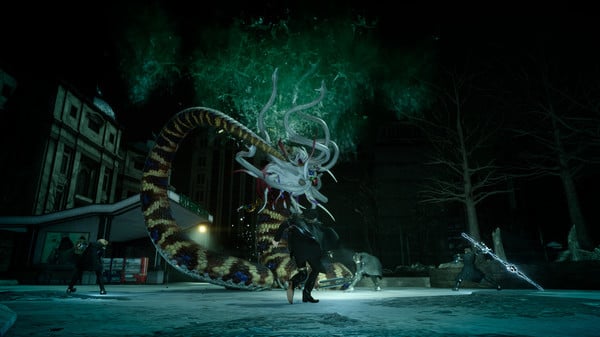
Final Fantasy XV: Windows Edition - Screenshot 1



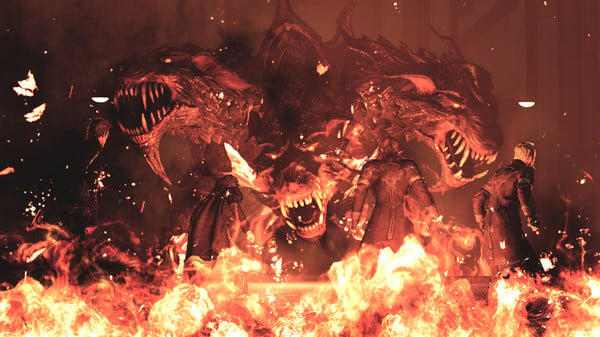
Get ready to be at the centre of the ultimate fantasy adventure, now for Windows PC. Joined by your closest friends on the roadtrip of a lifetime through a breathtaking open world, witness stunning landscapes and encounter larger-than-life beasts on your journey to reclaim your homeland from an unimaginable foe.
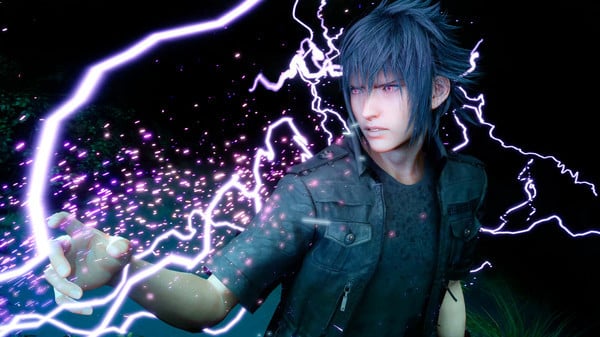
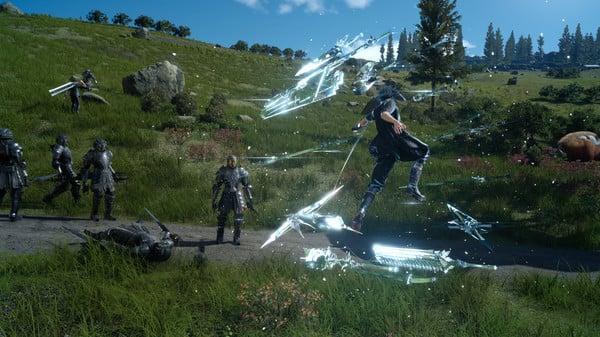
In an action-packed battle system, channel the power of your ancestors to warp effortlessly through the air in thrilling combat, and together with your comrades, master the skills of weaponry, magic and team-based attacks. Now realised with the power of cutting-edge technology for Windows PCs, including support for high-resolution displays and HDR10, the beautiful and carefully-crafted experience of FINAL FANTASY XV can be explored like never before.Includes all of the exciting content released as part of continuous game updates (Chapter 13 alternate route, off-road Regalia customisation, character swap feature and more!). And comes with all of content released in the Season Pass - Episode Gladiolus, Episode Prompto, Multiplayer Expansion: Comrades, and Episode Ignis. Get ready to be at the centre of the ultimate fantasy adventure. Insurgency
Step-by-step setup process
Please review these important details before installation
Install necessary apps from Redist or _CommonRedist to ensure game launches without any problems.
Always extract game in Antivirus / Defender excluded folder - Please check our FAQs to know why it is important.
Always run the game as administrator
For detailed guide, make sure to read Installation Guide.txt inside the game files.
Minimum specifications needed
Action
202615.80 GB
Fantasy
20259.20 GB
Action
202527.90 GB

Action
201313.50 GB
Community voices
Spot the sentiment at a glance, then dive into the stories that matter to you.
Average
/5recommend
100%
written
1
verified
0
Quick filters
Rating spread
Fresh off the press
Look for it at the top of the stream.
I Am Legion Stand Survivors



Leaving AnkerGames
Your about to visit the following urlInvalid URL
Sign in to join the discussion · comment, reply and react
Discussion
Comments 27
Pinned by moderators
Carzed
Mod · editedRight click the InstallApp.exe and run as administrator to register the game on your pc and wait until it does so. This is only needed to be done one time when you first install the game.
Then search for Final Fantasy XV Windows Edition in Windows Start Menu (Search Menu) to run the game whenever you wanna run next time.
The game has a weird controller bug that causes heavy stuttering when playing with specific controllers. We tried to mitigate that by disabling KB/M input when a controller is connected / when controller input is detected. This fixes the stuttering. If you don't like this feature, or if KB/M input is not working even though no controller is connected, you can disable it in "uwp_emu.xml" by setting "ControllerFix" to false. Note that this can cause stuttering again if you use one of those weird controllers.
azunyan
· editedDoes this latest build able to run on windows 11?
st85convo
· editedanywhere else to get without hypervisor?
KAZUU:3
· editeddoes it run on windows 11 cuz i heard it only runs on windows 10, i also have the system requirments sooo
Samrat
· editedwill it run on windows 11
coco
· editedIf anyone was still wondering, it only supports windows 10
emanskie001
· editedCan someone know how to launch this ? There is no error, but not launching.
Nicz
· editedCan someone know how to launch this ? There are errors preventing to launch this shit 🤣
Samrat
· editedWill it run on intel uhd 12gen,8gb ram
coco
· editedKeep saying lost file, and won't open
Daniel
· editedDont start, just dont open
luf
· editedI run the ffxv.exe but cannot run ,say lost some fills ,but I find have from Doc
Lguv
· editedI can't find the save file location, i checked through cpy ini and went to its designated save location but it does not exist
Lguv
· editedDoes this include episode Ardyn dlc
deemanjump
· editedDoesnt let me launch the game