
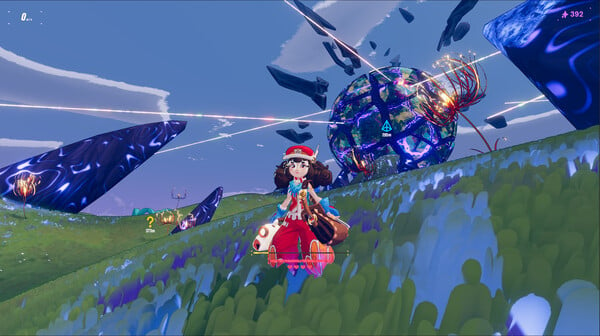
Haste - Screenshot 1



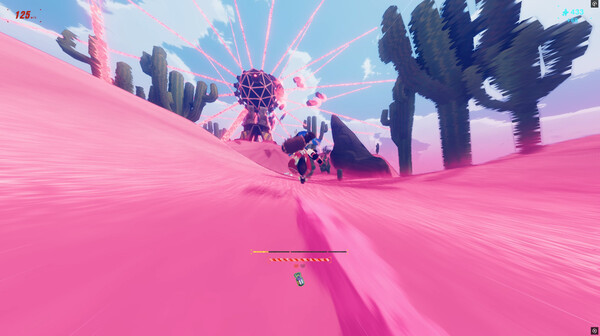
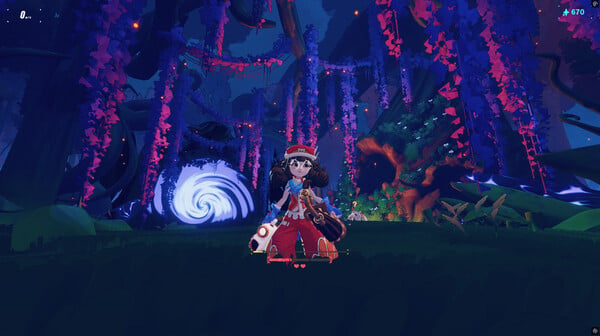
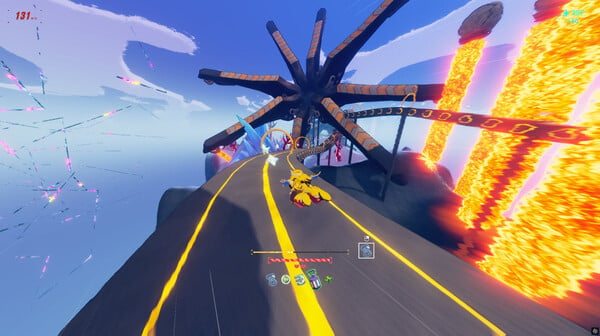
Haste is a high-speed third-person running game, set in a collapsing universe. Race through a variety of worlds, master your movement and use items and abilities to progress through each level before it falls apart around you. The game consists of ten Shards, each featuring a collection of procedurally generated levels that must be completed without fail to unlock the next.
Mind-blowing speed is key and every landing counts! Hit the ground running (literally) and you’ll build up speed, but if you fumble it will cost you. You’ll need to think fast and keep track of your ever-changing surroundings to escape before the world crumbles beneath your feet. In your run you'll be able to collect Sparks to use in the shop levels to manifest items. Items help you customise your run, affecting speed, damage, luck, health and other variables. Speed through procedurally generated levels as you make your way through each Shard, completing every level before you run out of lives to advance to the next. Gather items and experiment with builds to help you on your way. Your journey through the broken worlds will be unique to you as you try to outrun the apocalypse. AI Limit
Step-by-step setup process
Please review these important details before installation
Install necessary apps from Redist or _CommonRedist to ensure game launches without any problems.
Always extract game in Antivirus / Defender excluded folder - Please check our FAQs to know why it is important.
Always run the game as administrator
For detailed guide, make sure to read Installation Guide.txt inside the game files.
Minimum specifications needed
Simulation
2019 1.39 GB
Action
2018 1.10 GB

Early Access
Action
2025 17.50 GB
Community voices
Spot the sentiment at a glance, then dive into the stories that matter to you.
Average
/5recommend
100%
written
1
verified
2
Quick filters
Rating spread
Fresh off the press
Look for it at the top of the stream.

Hidden gem runner



Leaving AnkerGames
Your about to visit the following url Invalid URL
Sign in to join the discussion · comment, reply and react
Discussion
Comments 10
foxblade0
hey im pretty knew to this but is it possible to us workshop content, if not thats perfectly fine im just curious
newankergamer
· editedim having problems with saves how do i save my progress that it keep doing failed to save any answers?
onenaser
thanks a lot! I really love this game!
I'm going to buy it when ever it's get a discount
Zoro
Adminpeter
peter
Zoro
Adminpeter
peter
Chill